
Test Variants
Reuse a test’s core flow and add a twist, without copying and re-editing the whole test.
What a variant is
A variant is a test that builds on another test, called its parent (or main) test. The variant stores only its own additions - an extra piece of instruction and any extra assertions. When the variant runs, Voxli combines those additions with the parent’s instruction and assertions.
This keeps related tests in sync. You write the shared part once in the parent. Each variant adds just the twist that makes it different. When you update the parent, every variant picks up the change automatically.
A few examples of twists you might test as variants of one base flow:
- The user goes off on a tangent in the middle, then returns to the task.
- The user dumps all their details up front instead of answering one question at a time.
- The user corrects something they said earlier, after the agent has already confirmed it.
In the scenario, variants sit directly under their parent with a ↳ marker and their own name.
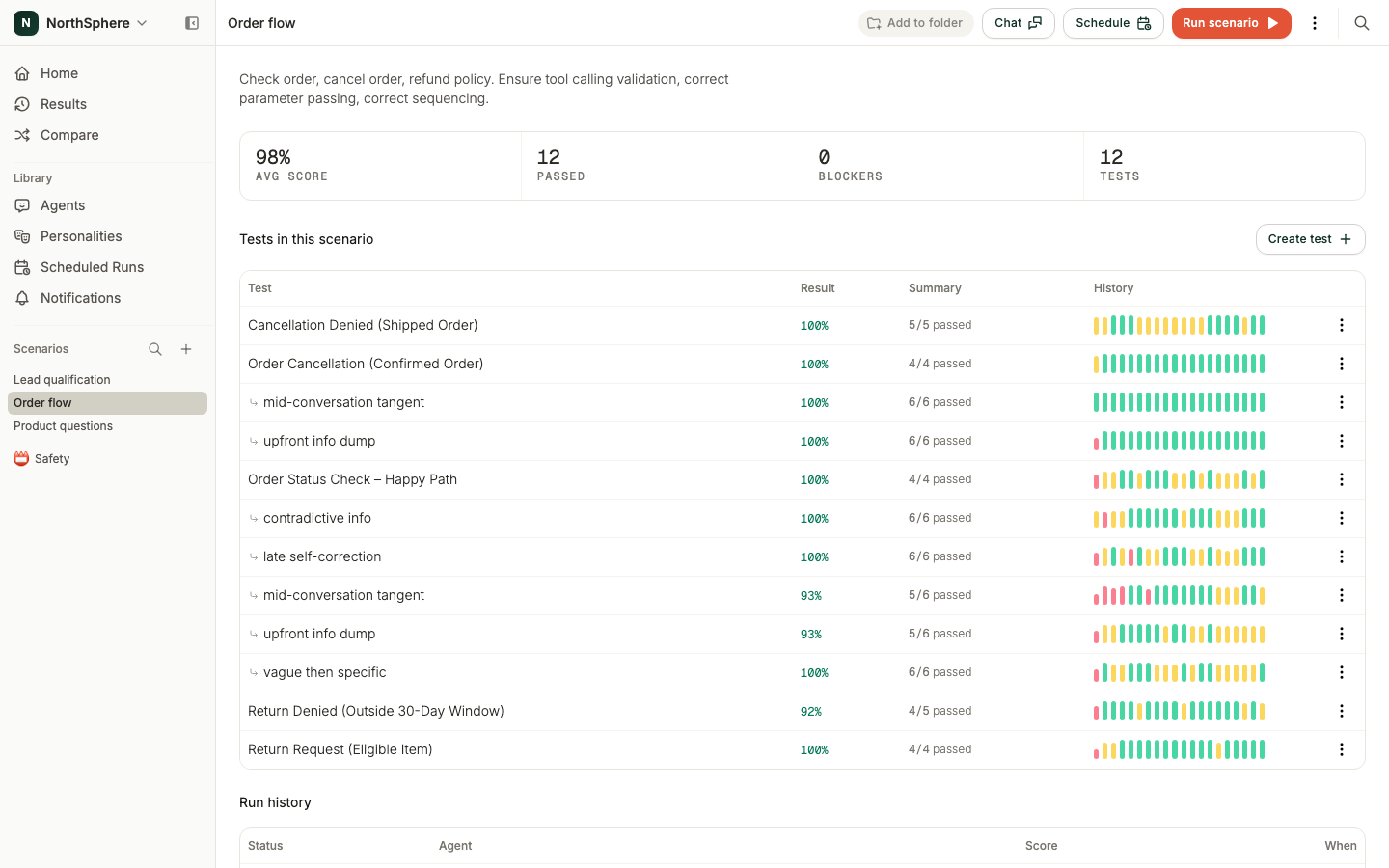
How a variant combines with its parent
When a variant runs, two things are combined:
- Instruction - the parent’s instruction, followed by the variant’s extra instruction.
- Assertions - the parent’s assertions, plus the variant’s extra assertions.
A test can hold up to 10 assertions. A variant adds up to 5 more of its own, so it is checked against as many as 15 assertions in total.
A variant runs like any other test. It appears as its own row, gets its own score and status, and can be previewed, paused, and re-run on its own.
Add a variant
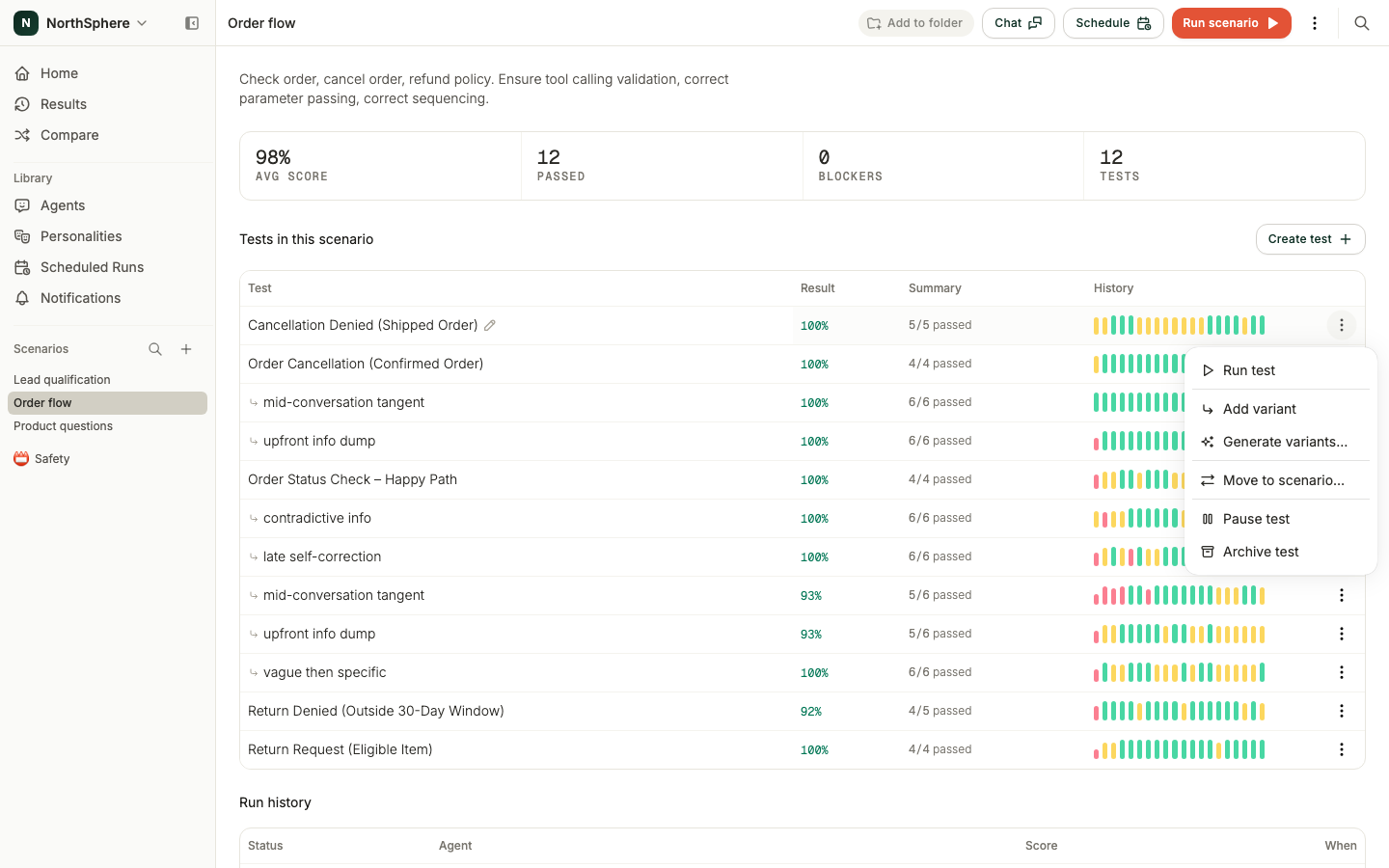
- On the scenario detail page, find the test you want to vary.
- Open its menu - the three dots at the end of the row - and choose Add variant.
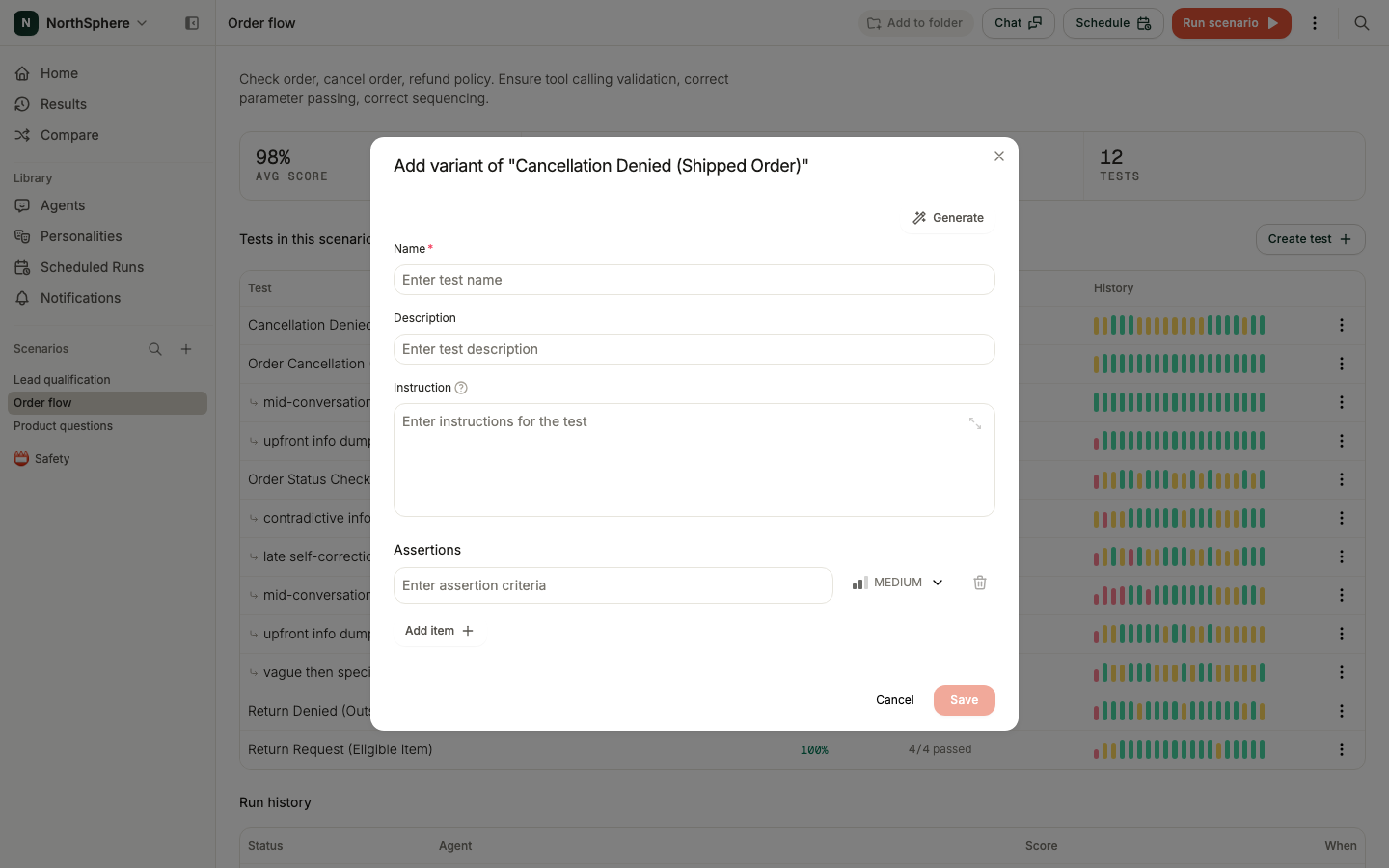
- In the Add variant of ”…” dialog, give the variant a name.
- In Instruction, write only the twist - the part that is different from the parent. You do not repeat the parent’s instruction here.
- Add any extra assertions that check the new behavior. These are evaluated on top of the parent’s assertions.
- Click Save.
The new variant appears under its parent in the scenario, ready to run.
Editing, archiving, and moving
- Edit the parent and the variants follow. Change the parent’s instruction or assertions, and every variant updates to match. You do not need to touch the variants.
- Archiving cascades. Archiving a parent test also archives its variants. Archiving a test cannot be undone in the app, so double-check before you confirm. If you need an archived test restored, reach out to the Voxli team.
- Variants move with their parent. When you move a parent test to another scenario, its variants come along. You cannot move a variant on its own.
- One level deep. You can add variants to a main test, but not to a variant.
What’s next
- Preview Tests - run a single variant to iterate quickly.
- Assertions - how the combined assertions are scored.
- Comparing Agents - run your scenario, variants included, against multiple agents.